Vibe-code beautiful, responsive emails
Describe the email. Your agent designs three, you pick one in a real inbox, and it ships the one that works in Gmail, Outlook and Apple Mail — light, dark and mobile.
npx skills add cofoundy/mailglowdesign a welcome email for our app.npx github:cofoundy/mailglow init.claude/skills, .agents/skills… for the agents it finds. --agents claude,codex,cursor,gemini to choose./plugin marketplace add cofoundy/mailglow/plugin install mailglow@mailglow.npx github:cofoundy/mailglow serve ./emails --open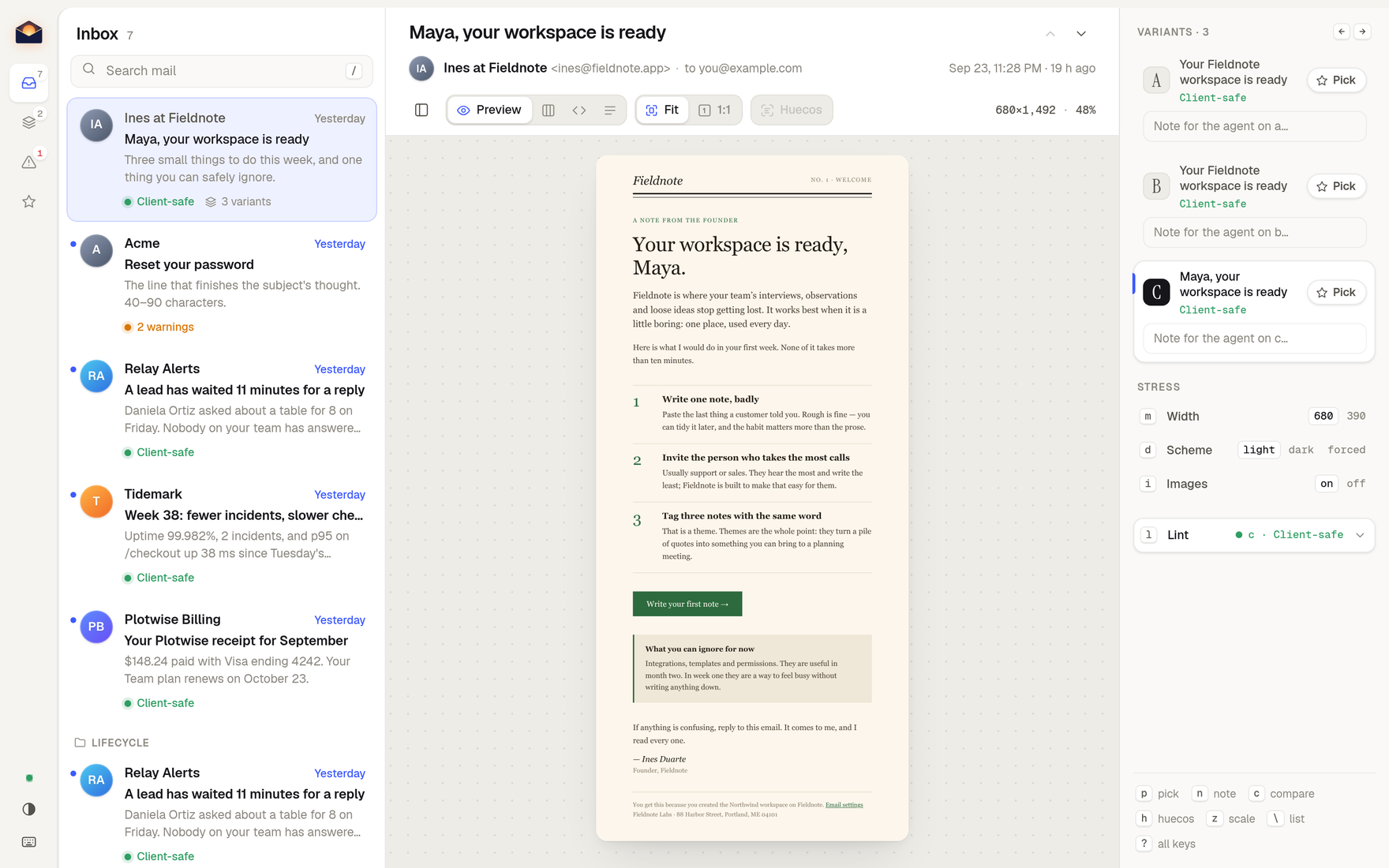
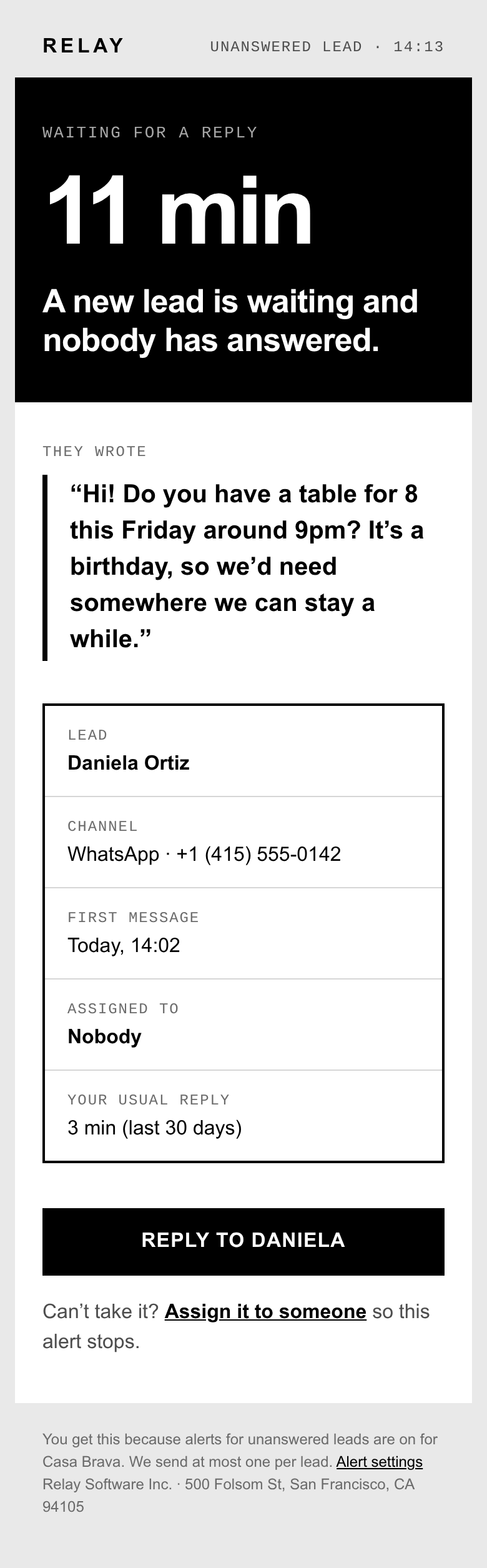
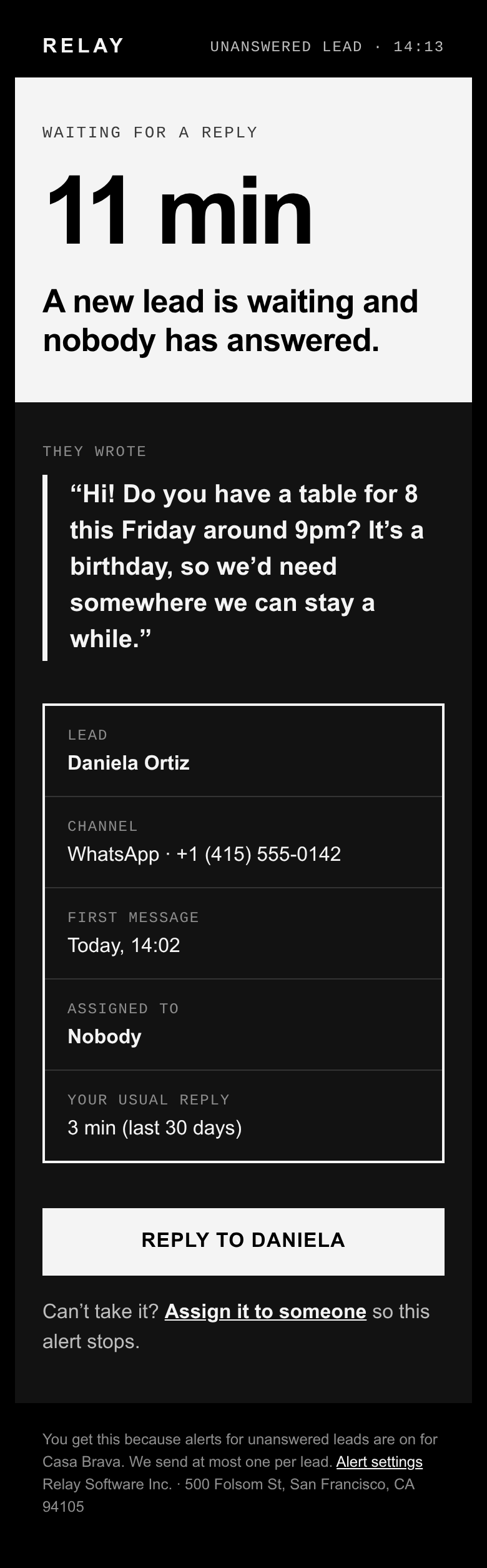
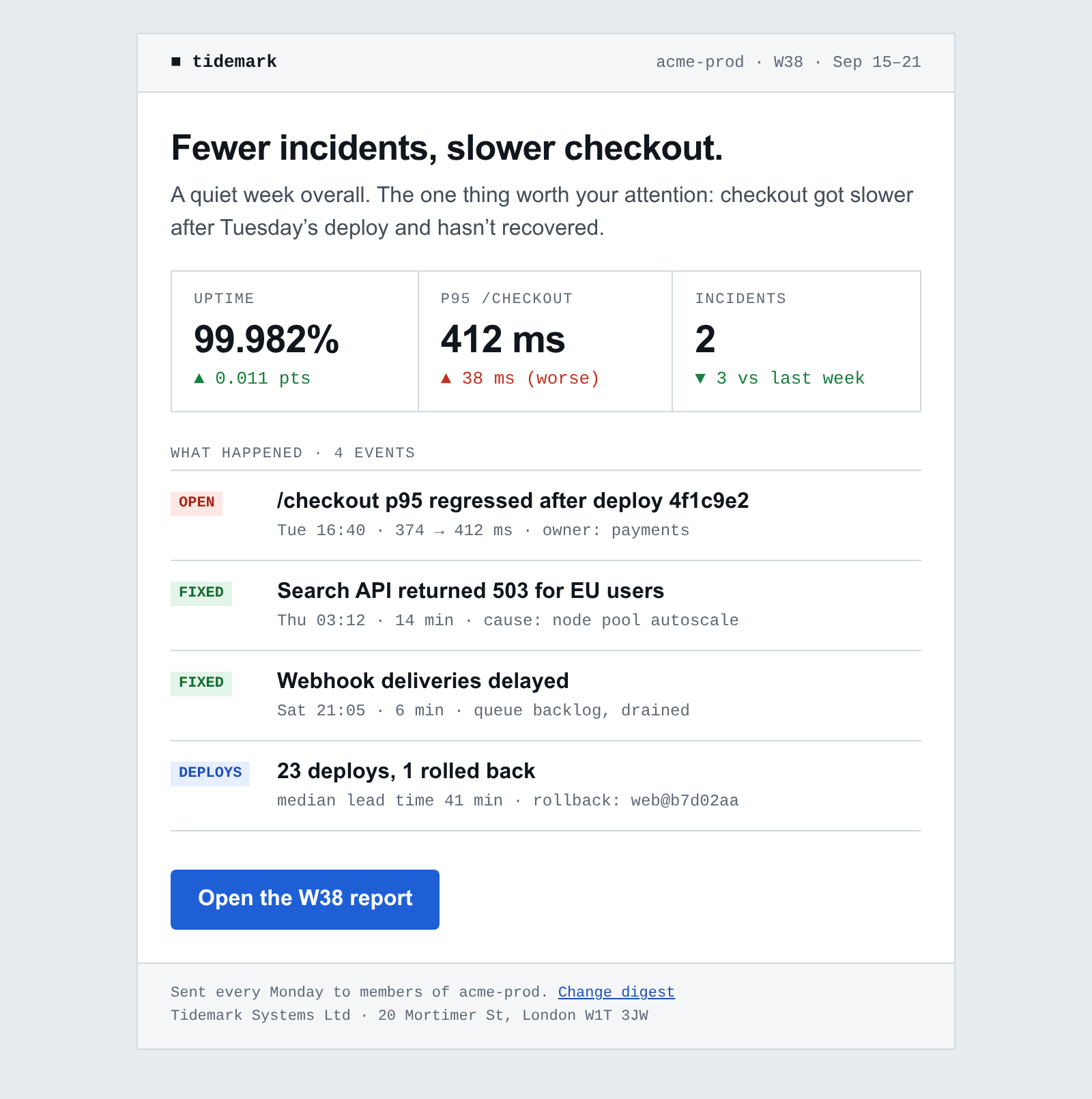
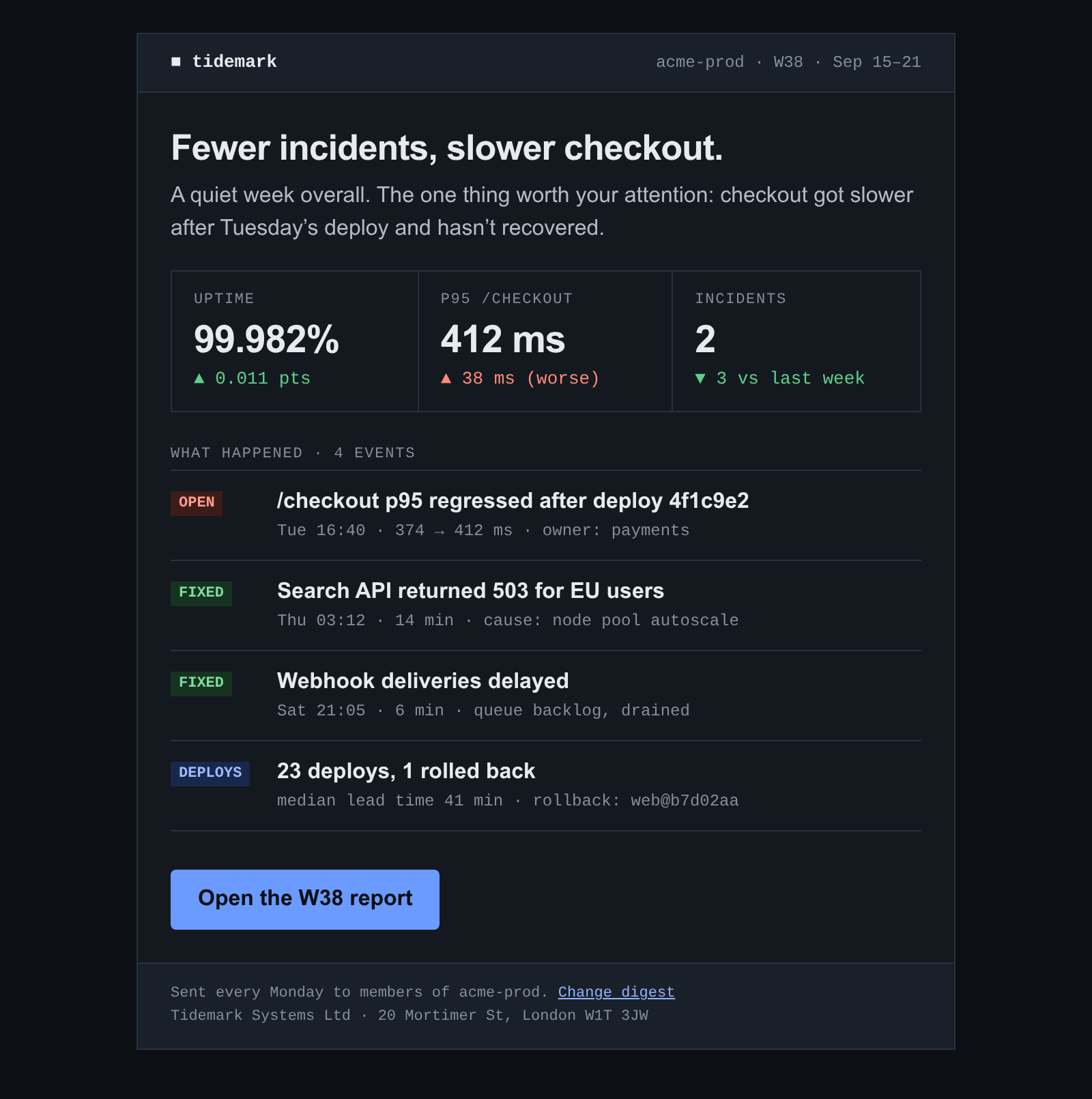
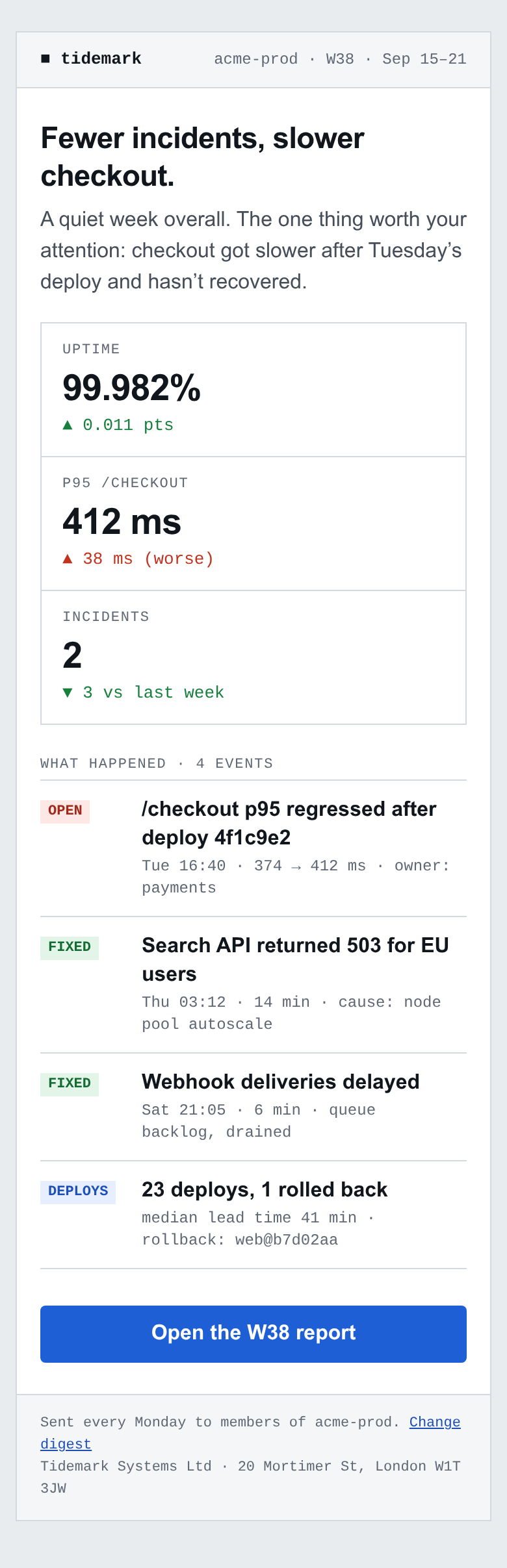
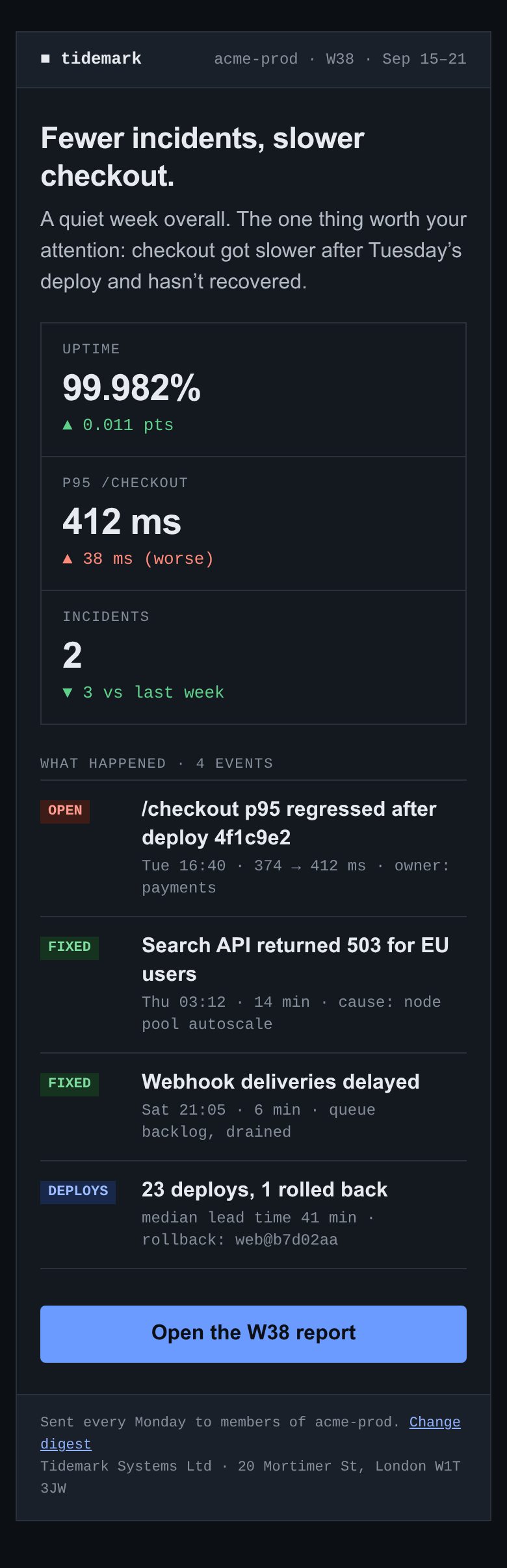
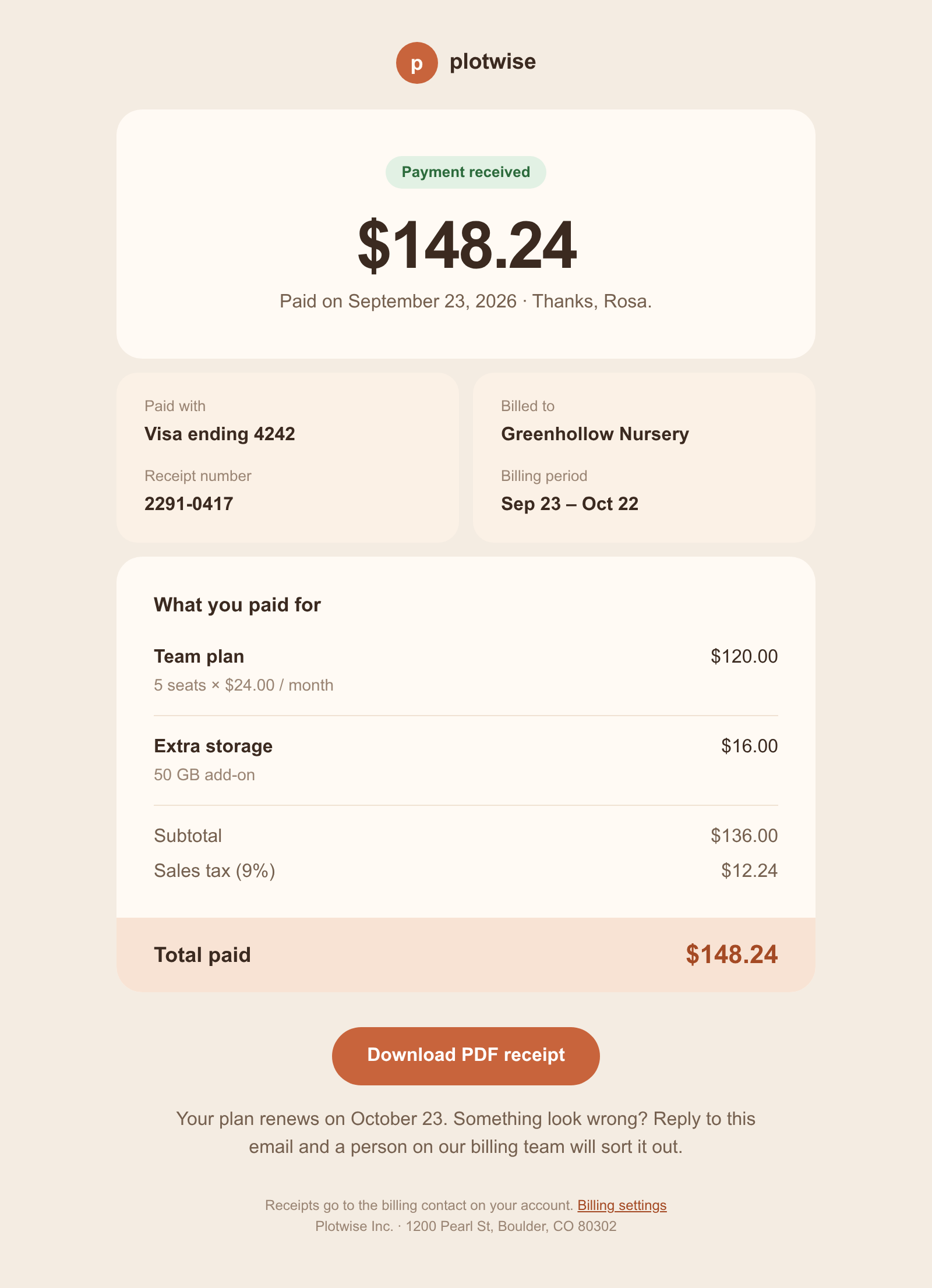
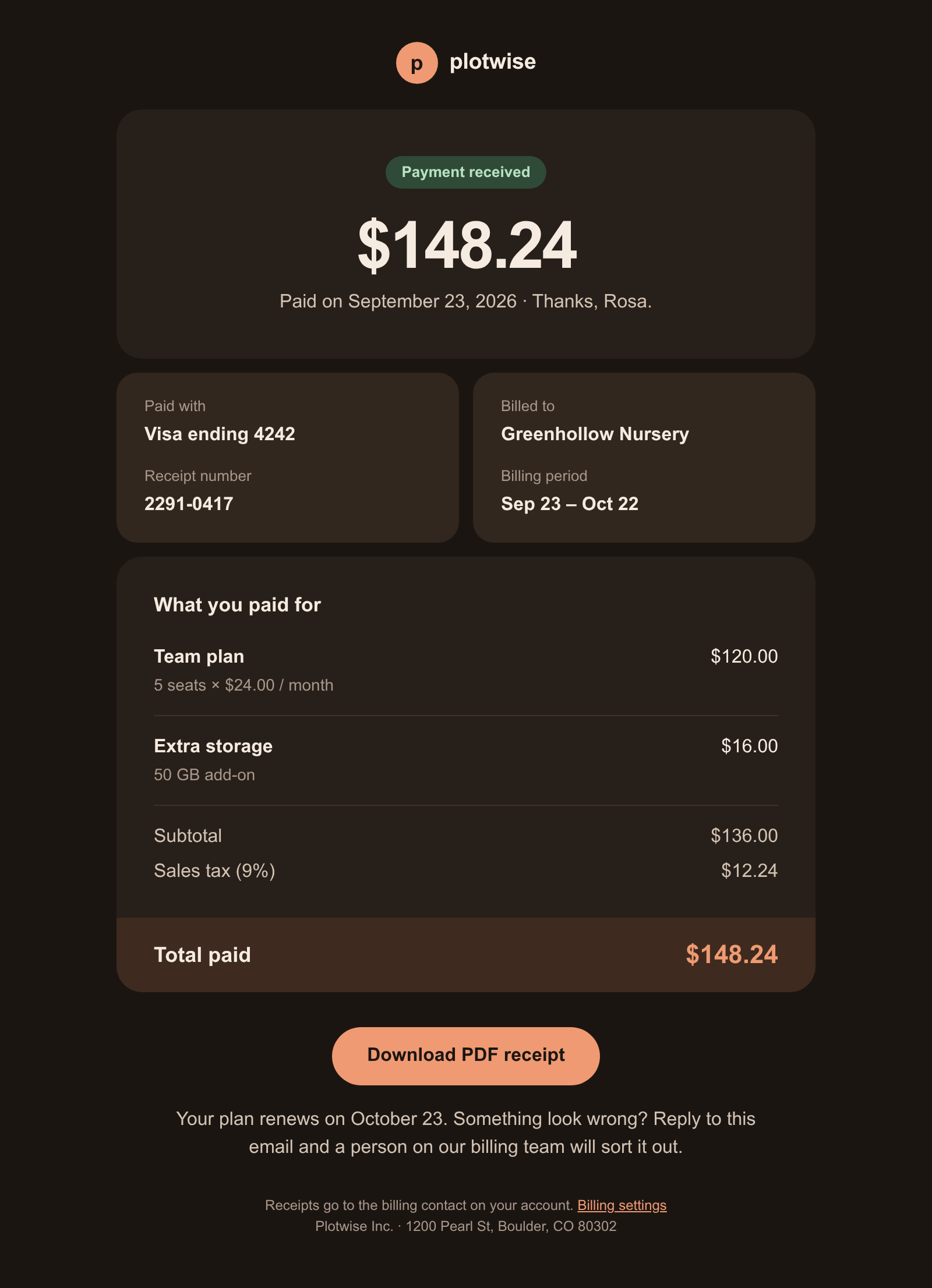
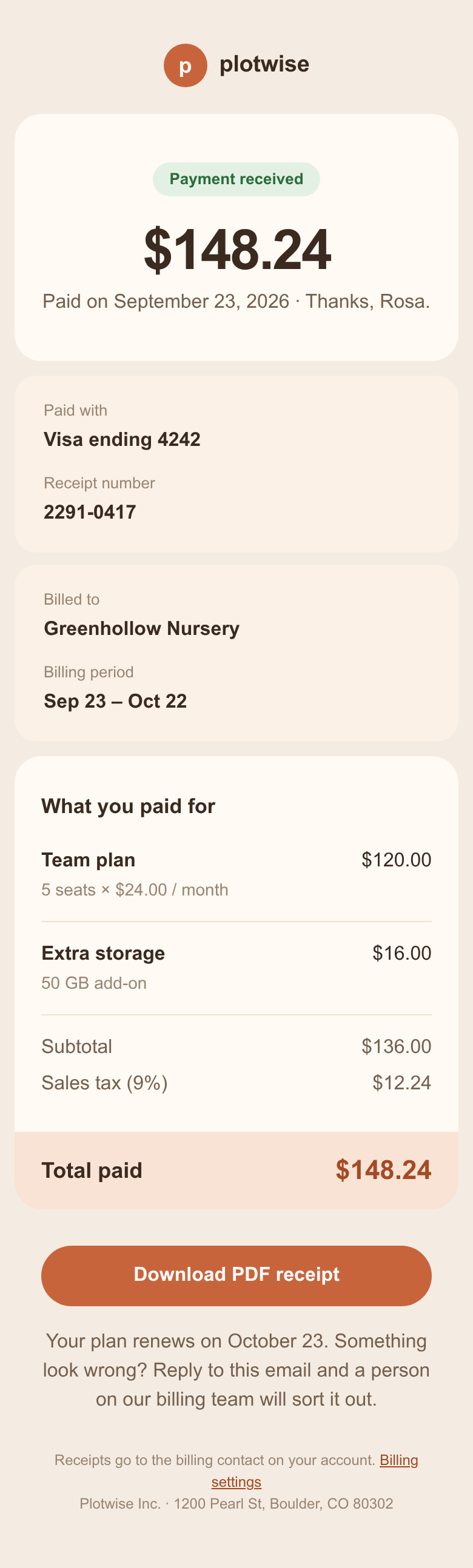
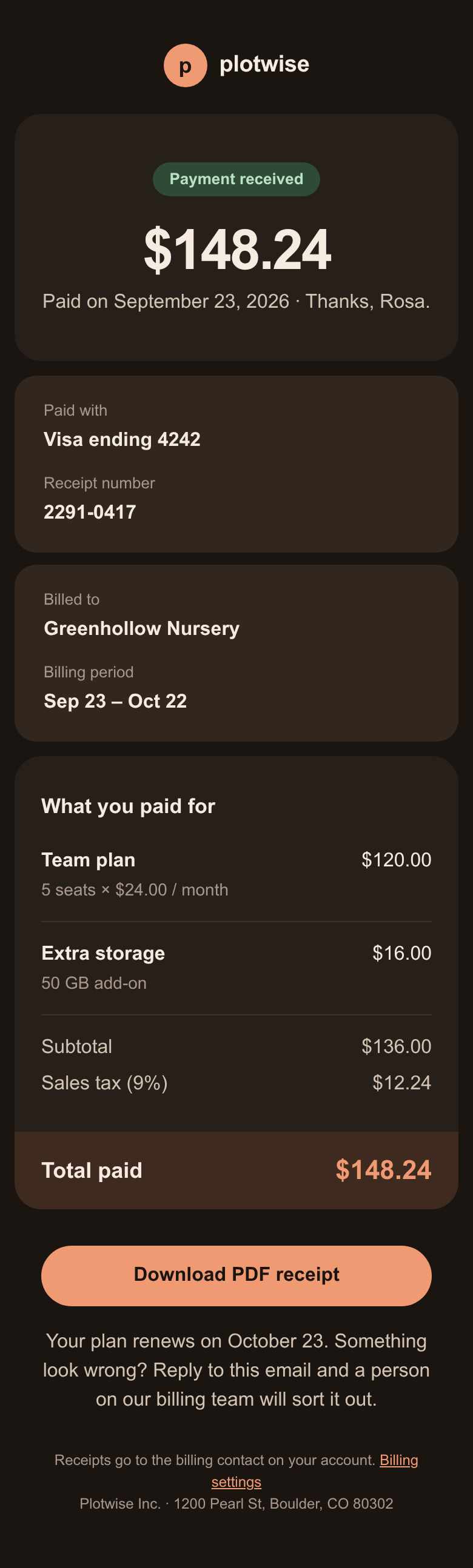
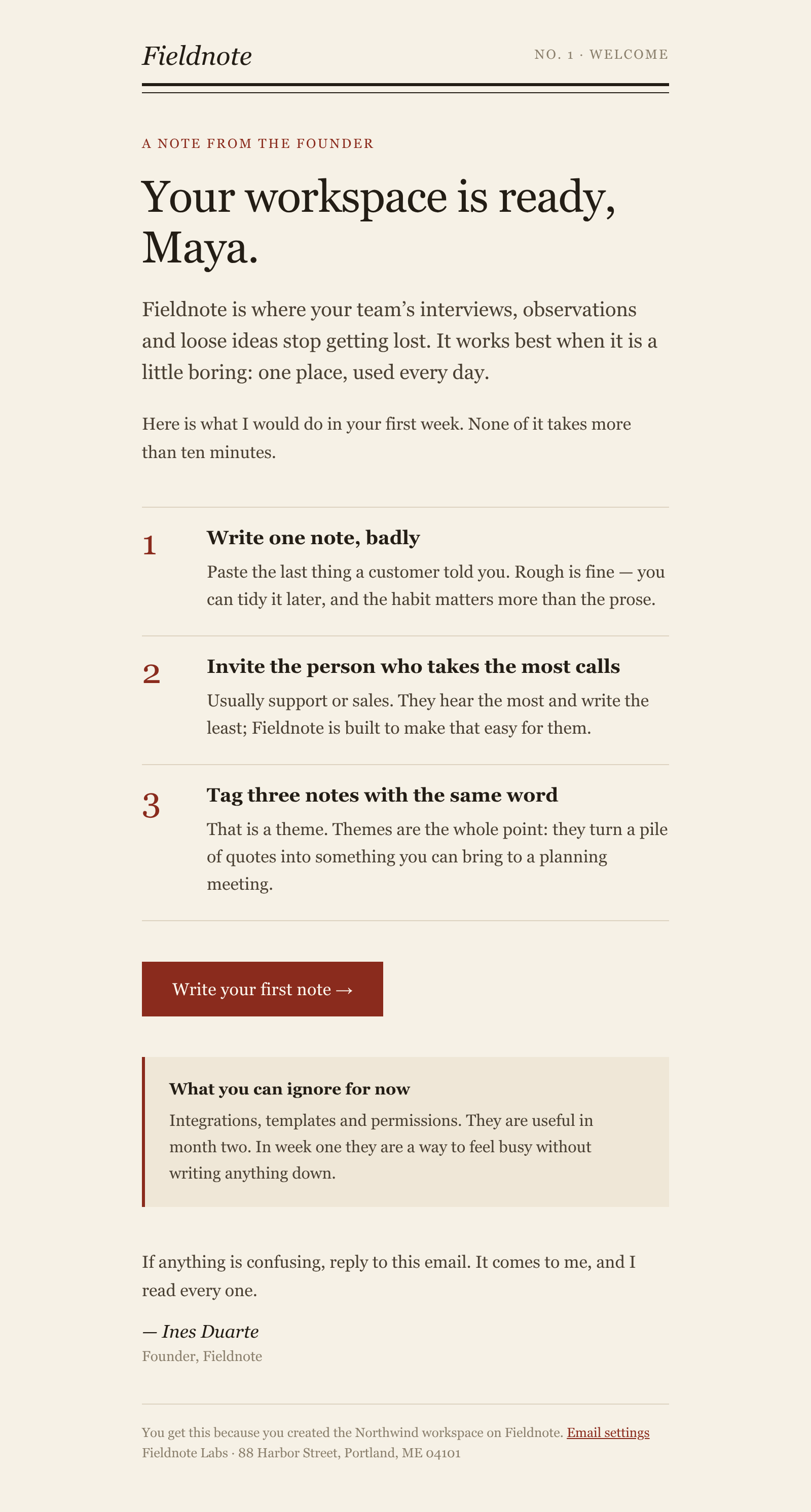
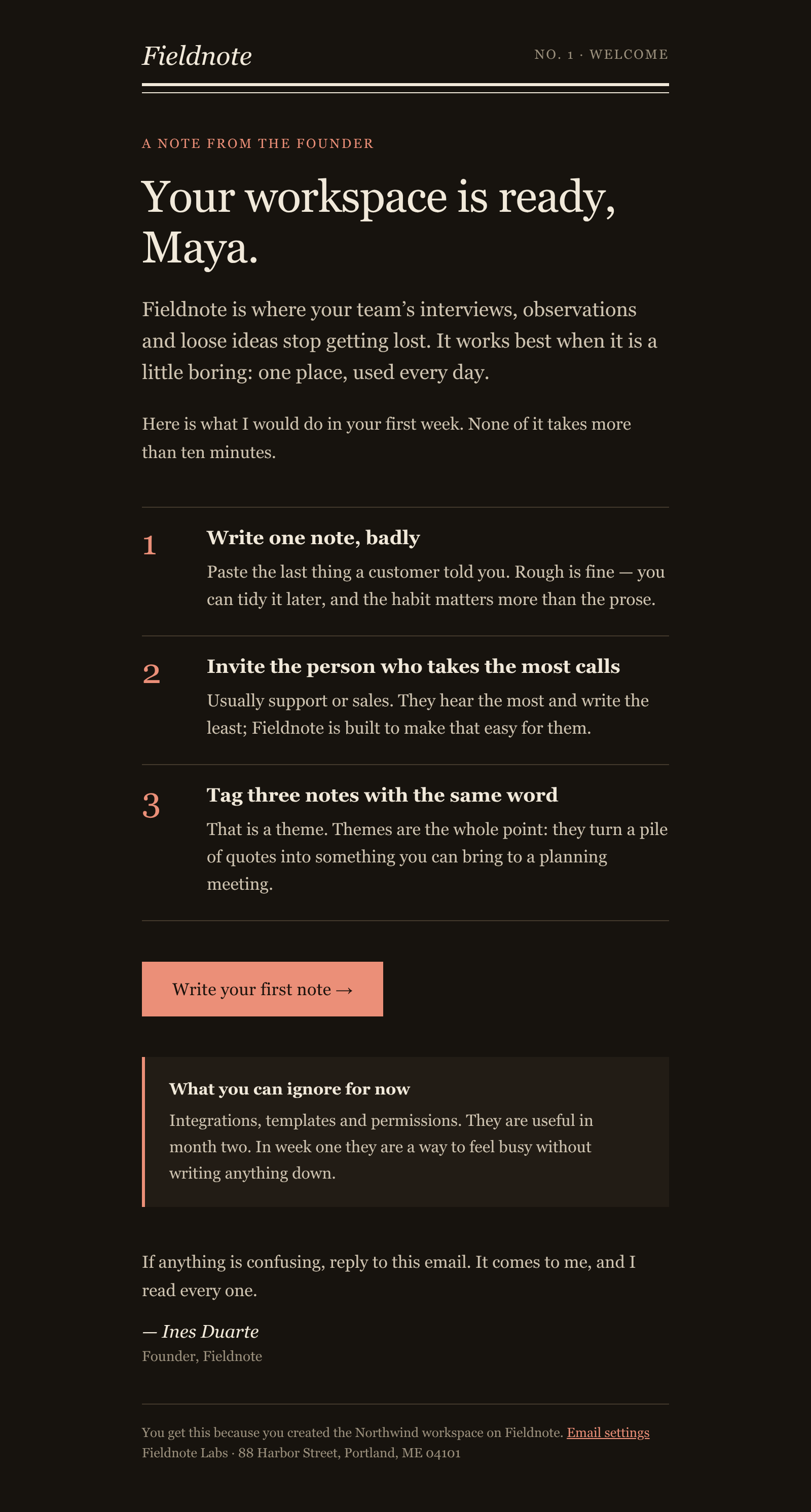
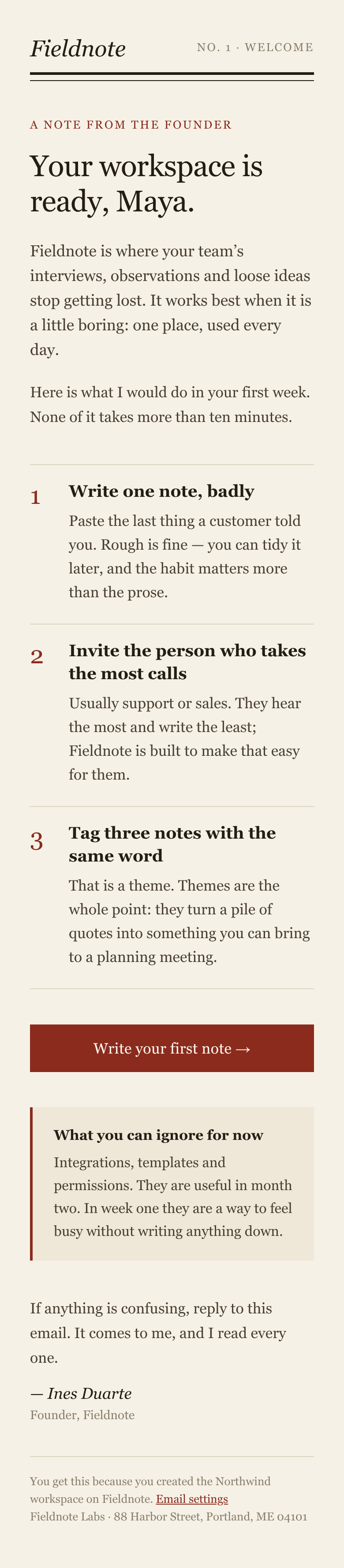
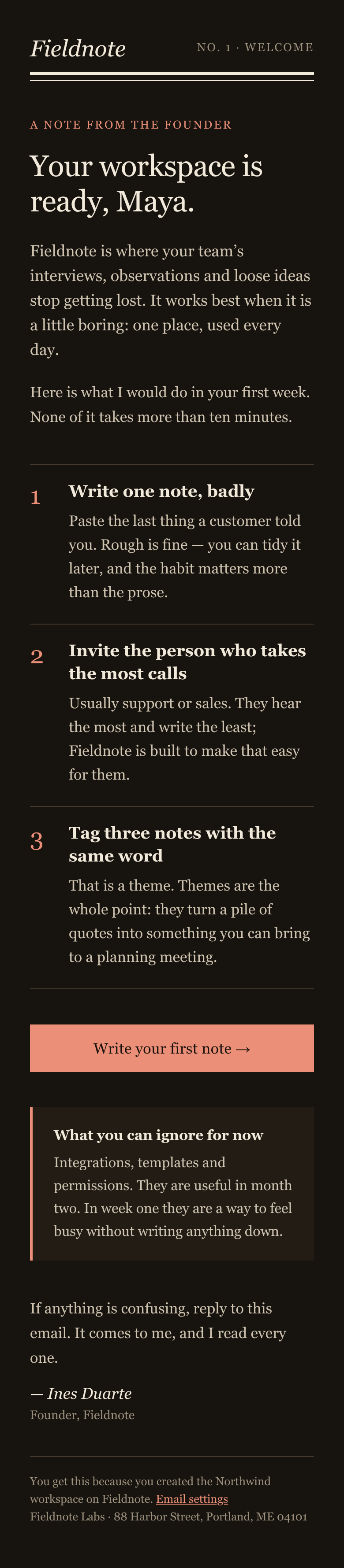
Design emails the way you design screens
A local mini inbox
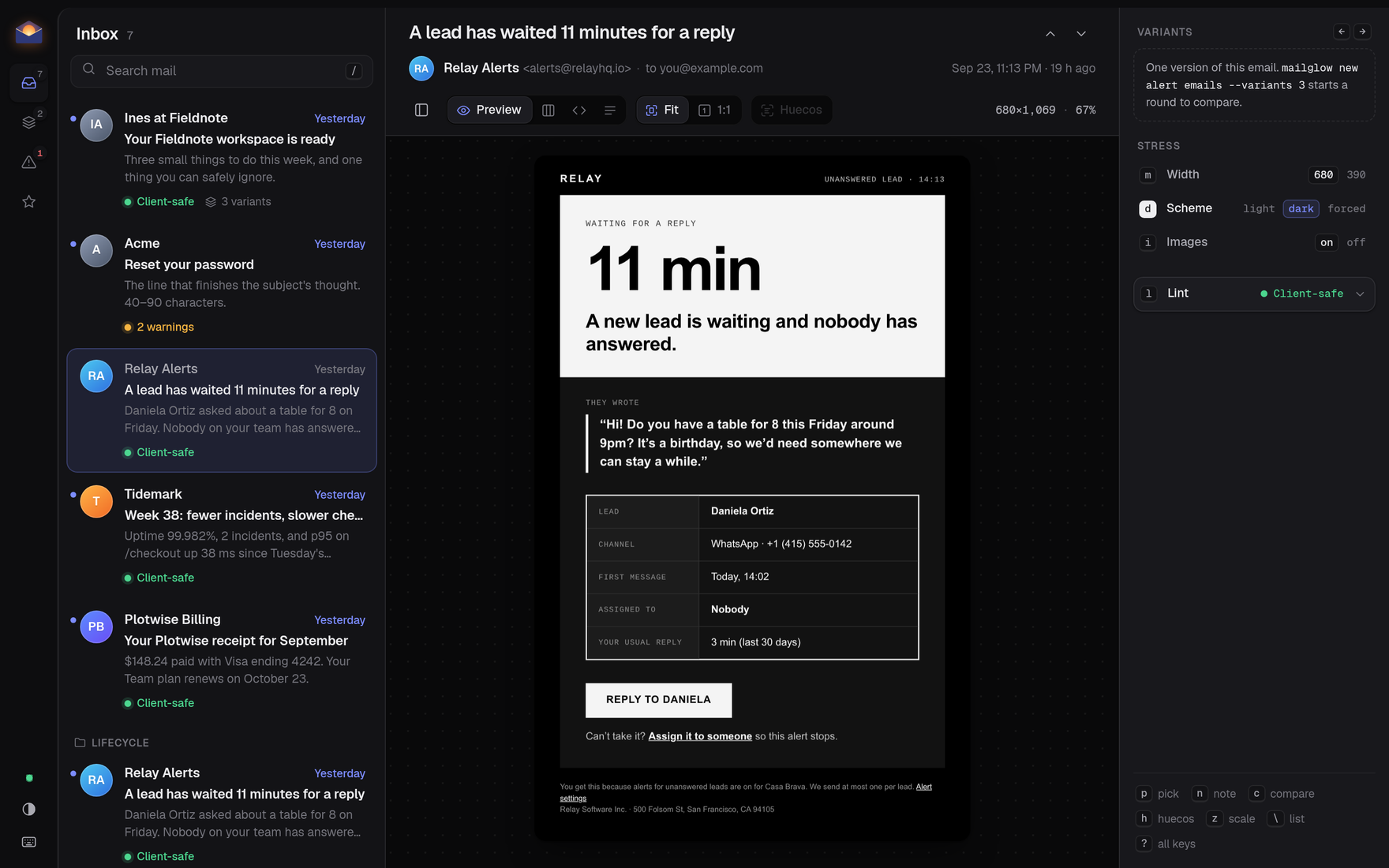
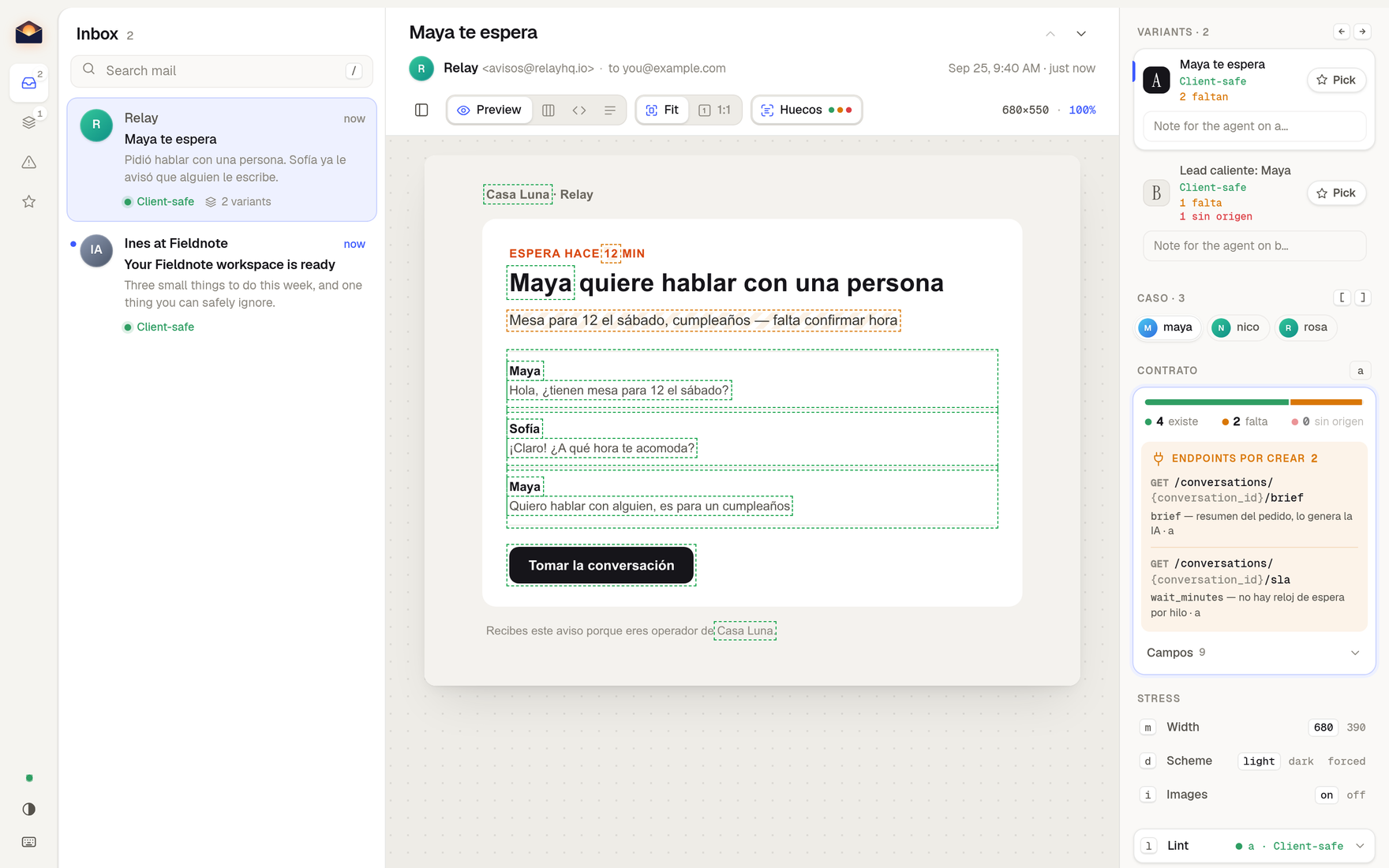
Your emails as messages, the opened one next to them. Desktop or phone, light, dark or forced dark, images on or blocked. Live reload.
Pick, don't describe
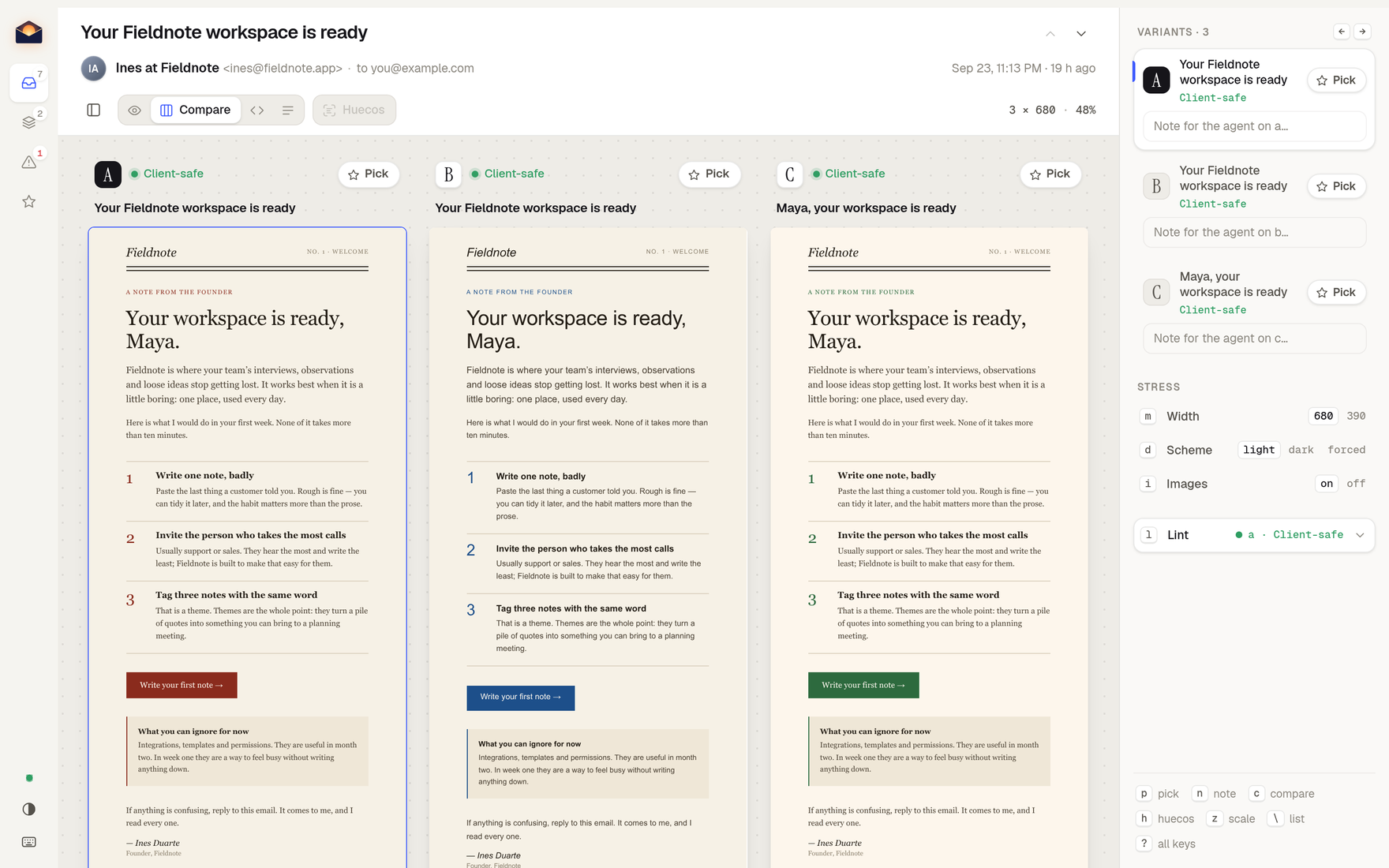
The agent writes three structurally different versions. Flip with ← →, compare side by side, press Pick, leave a note. It reads your pick back.
A linter that knows clients
36 rules: local images, localhost links, flexbox, CSS variables, Gmail's 102 KB clip, missing dark mode — each names the clients it breaks.
Screenshots of everything
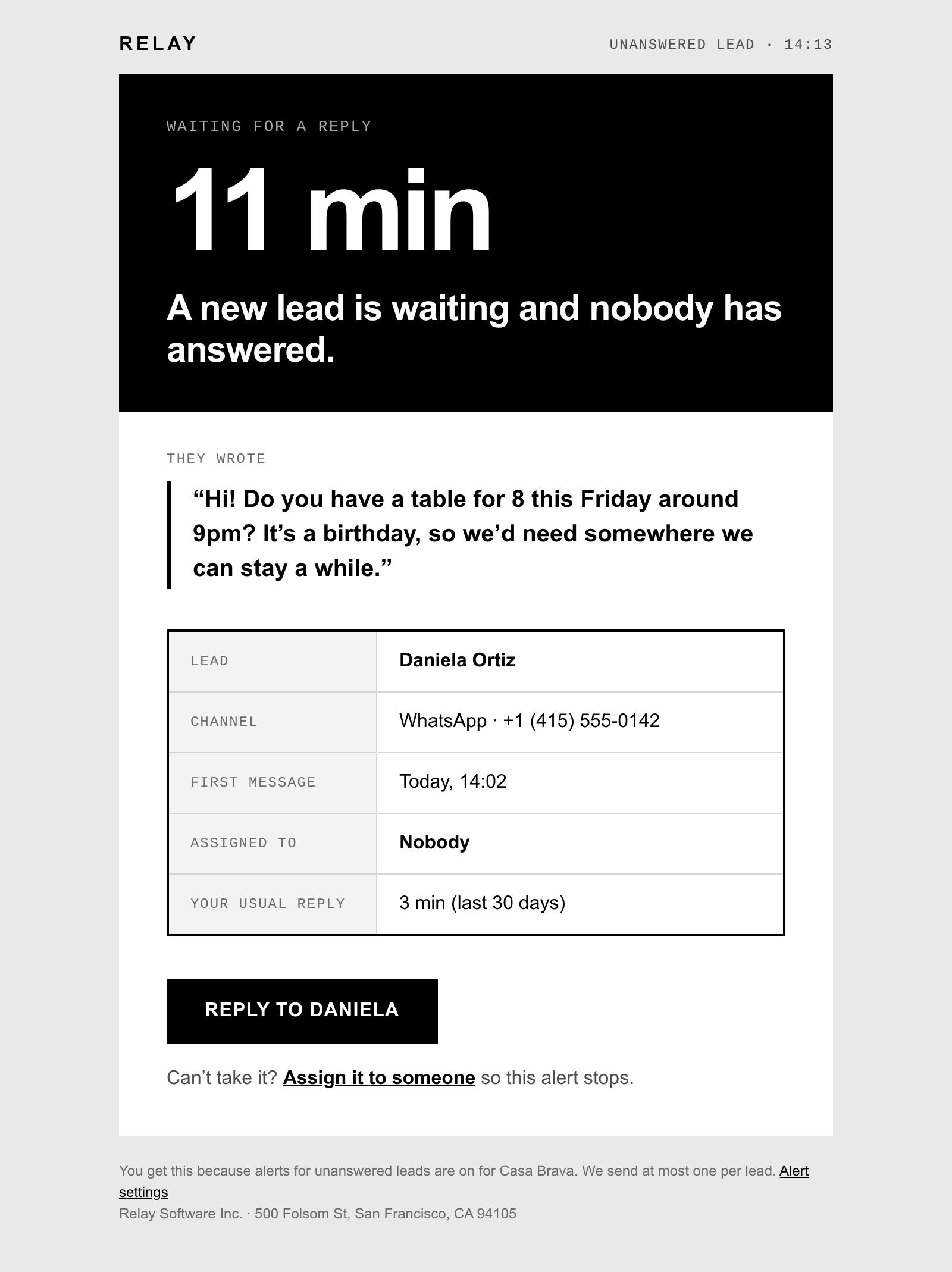
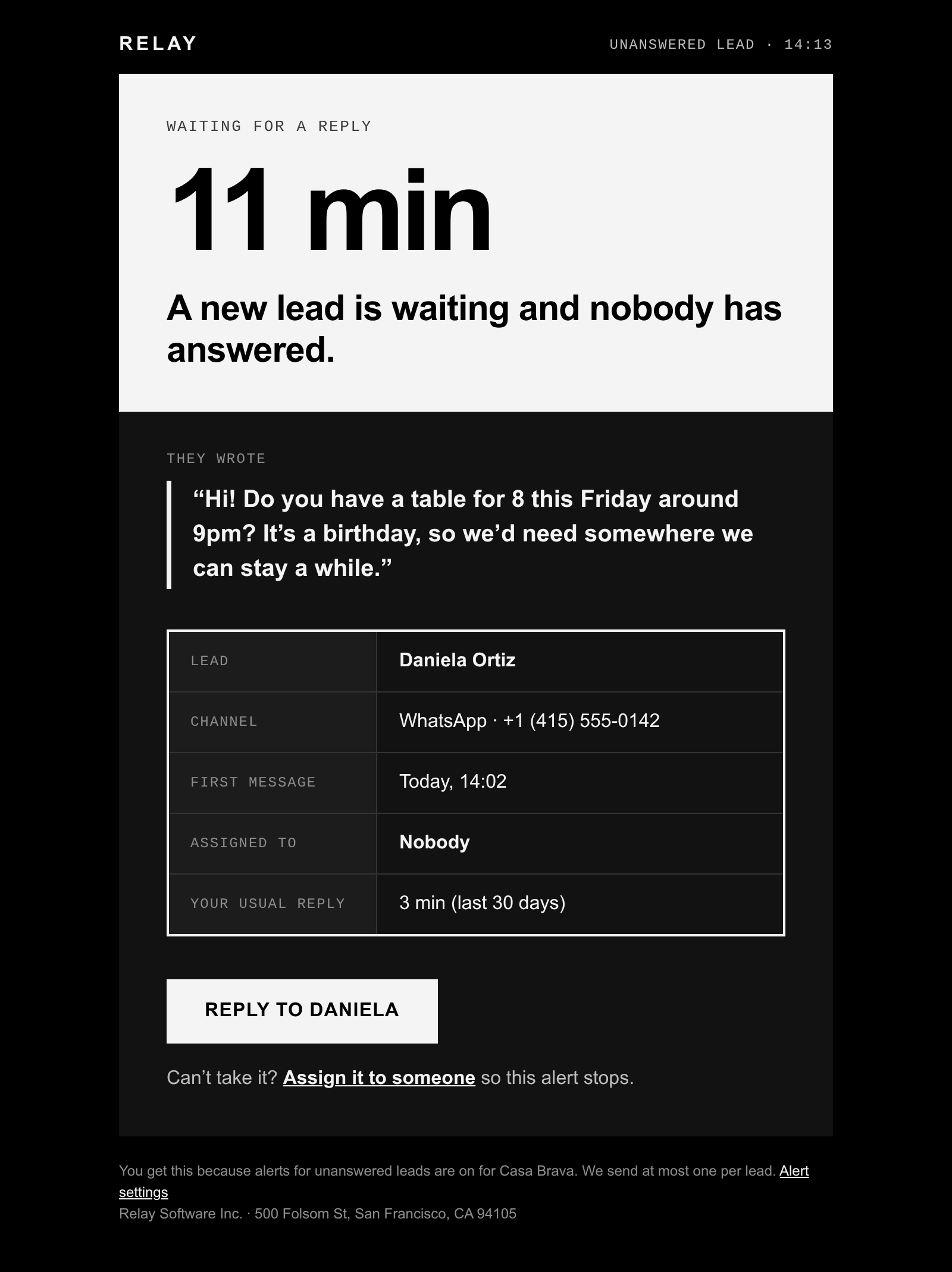
Every email × desktop/mobile × light/dark as PNGs plus a contact sheet, from one command. For PRs, client reviews, or an audit of what you already send.
Stop designing email blind
Install the skill, then ask your agent for the email you need. It opens the inbox for you.
npx skills add cofoundy/mailglow